Migration / Files
Individual Files
Migrating your cloud files to OneOffice
Introduction
Migrating your cloud files is a breeze — well, almost.
Migrating Cloud files is supported on the three main platforms.
A first one-time process is required to link your OneOffice instance with the original platform. Please make sure we or your IT department have completed this step.
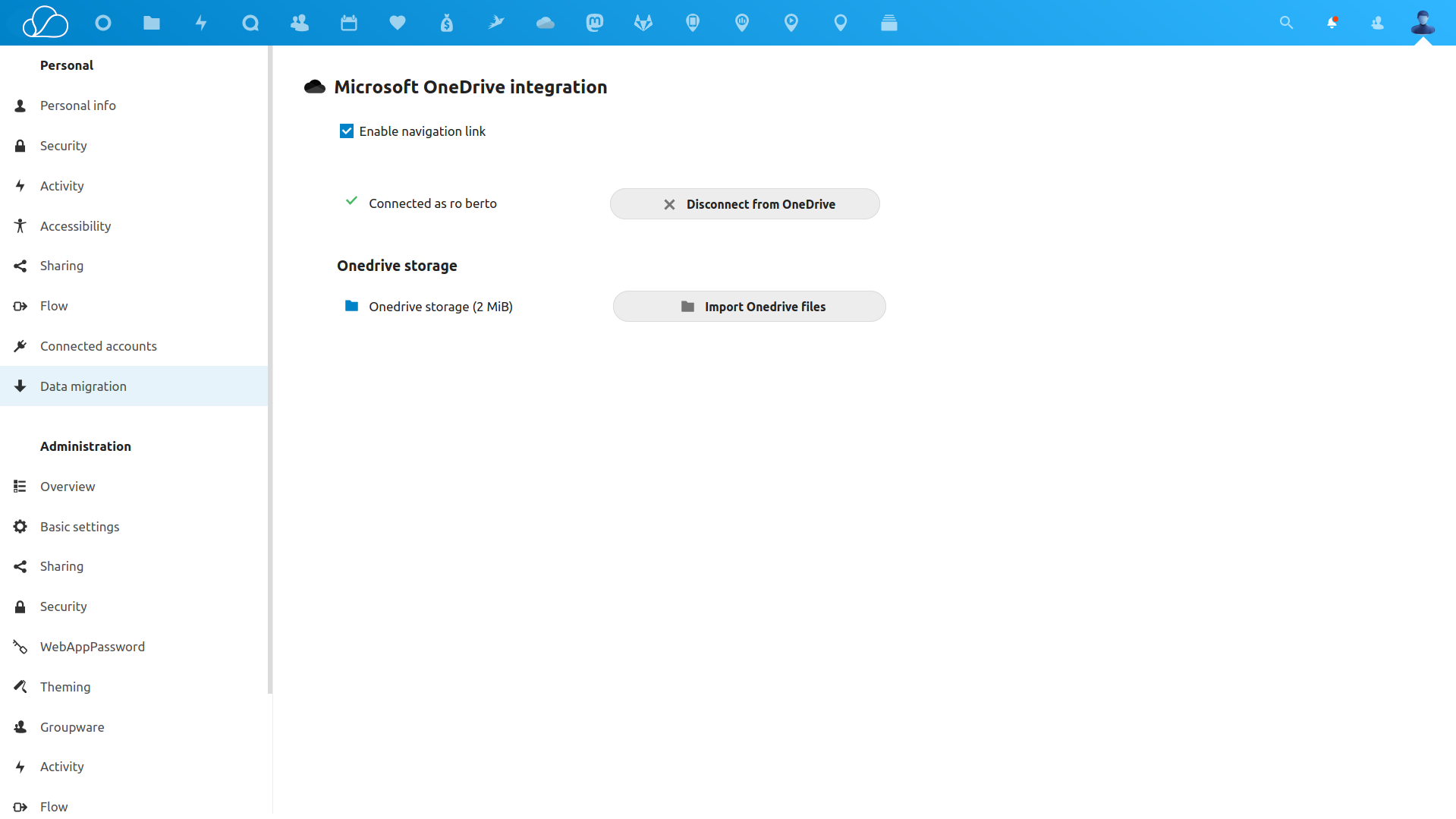
1. Microsoft 365 / OneDrive
- Click on your avatar in the top menu on the right
- Click on Settings
- Select Data Migration
- Link your account and then click on Import OneDrive Files
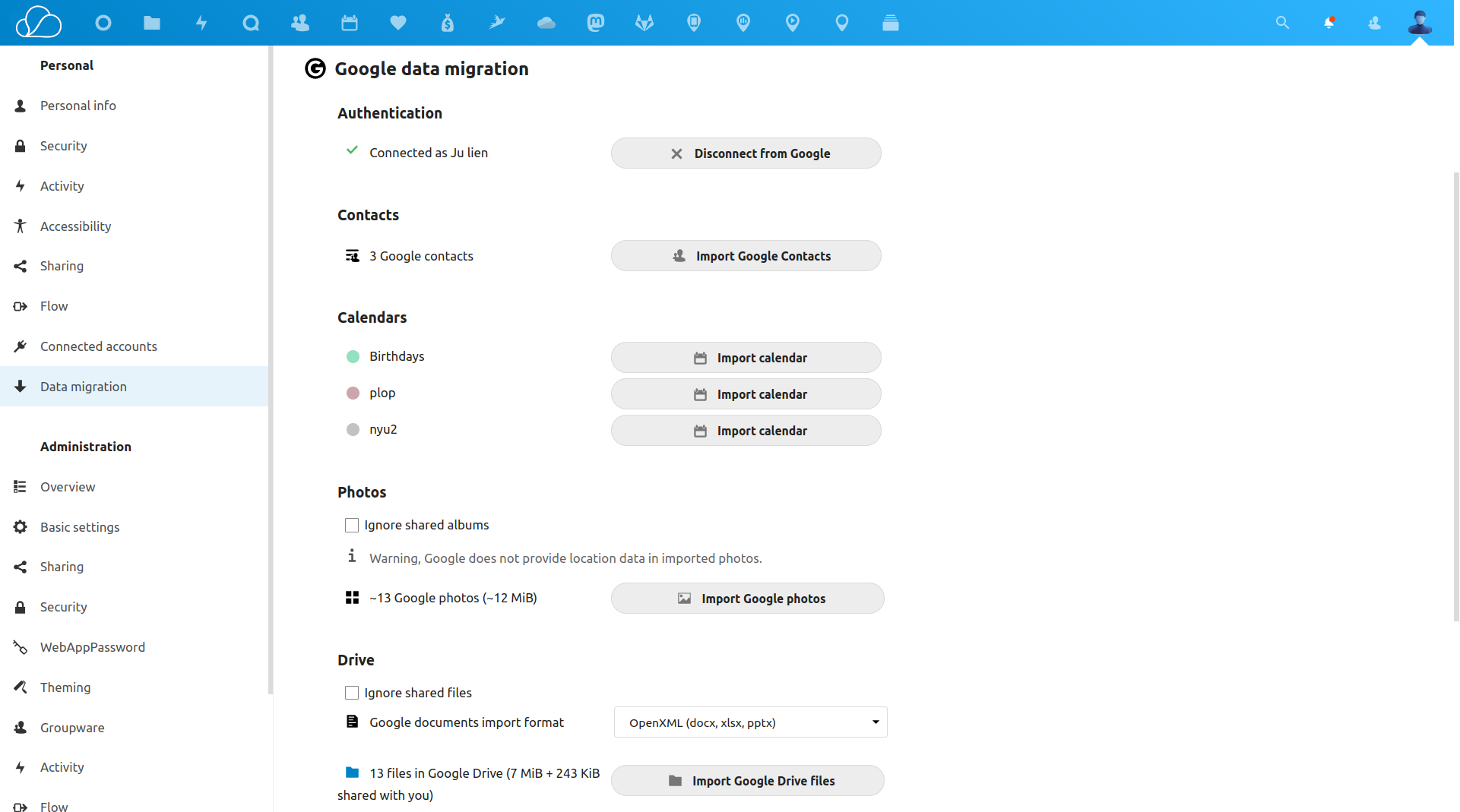
2. Google Workspace
- Click on your avatar in the top menu on the right
- Click on Settings
- Select Data Migration
- Link your account and then import all the data you want
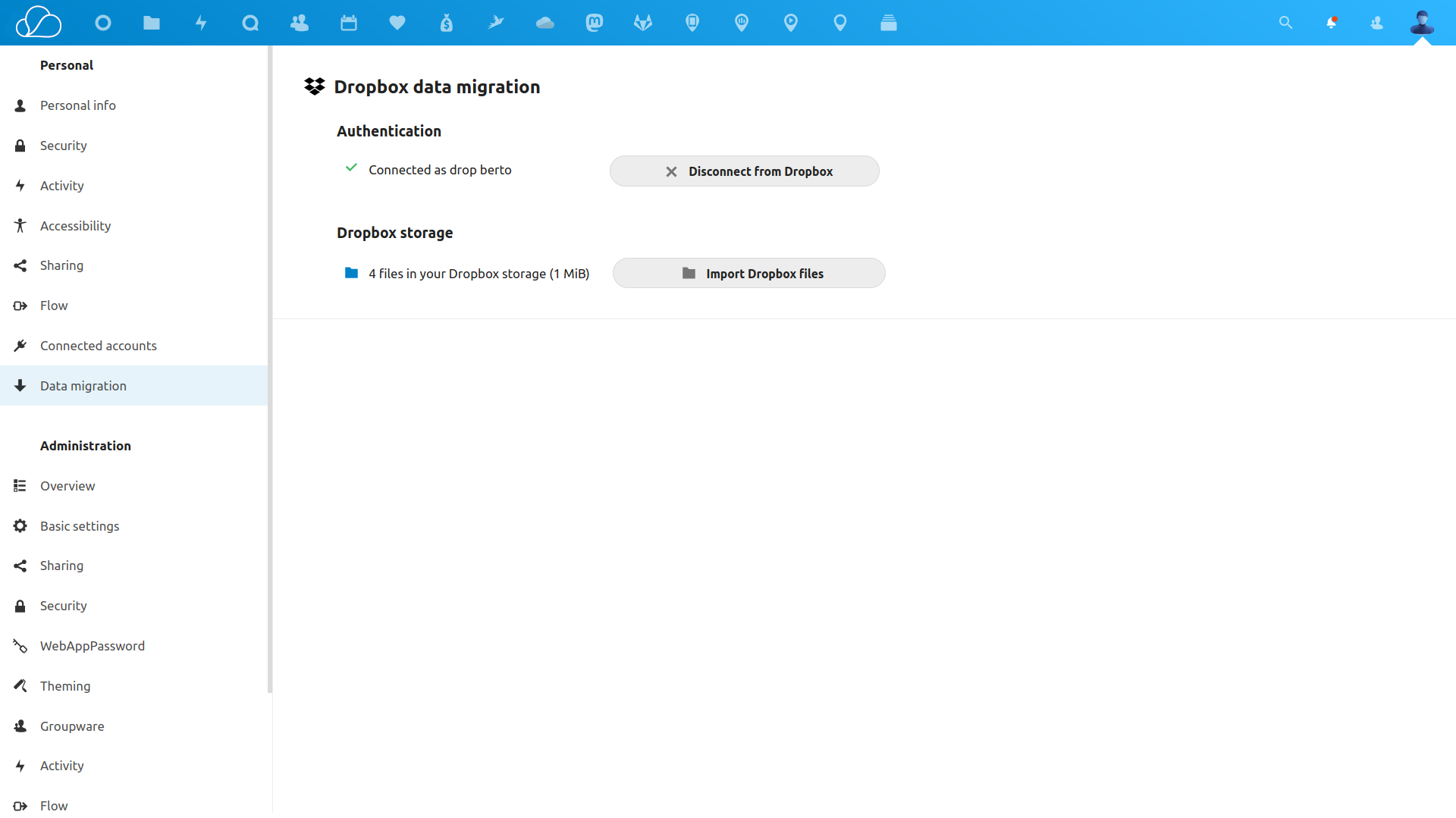
3. Dropbox
- Click on your avatar in the top menu on the right
- Click on Settings
- Select Data Migration
- Link your account click on Import Dropbox Files
Have questions?
Still have questions? Talk to support.
All content copyright OneOffice / ZeGenie Inc. -- Unauthorized use is prohibited.