Migration / Files
Google Drive
Migrating your cloud files from Google Drive to OneOffice
1. Introduction
Migration from Google Drive as can be completely handled from within the settings dashboard. Contact us to enable the GoogleDrive migrator.
2. Authenticate and Share Permissions
- Click on Google Drive Migration
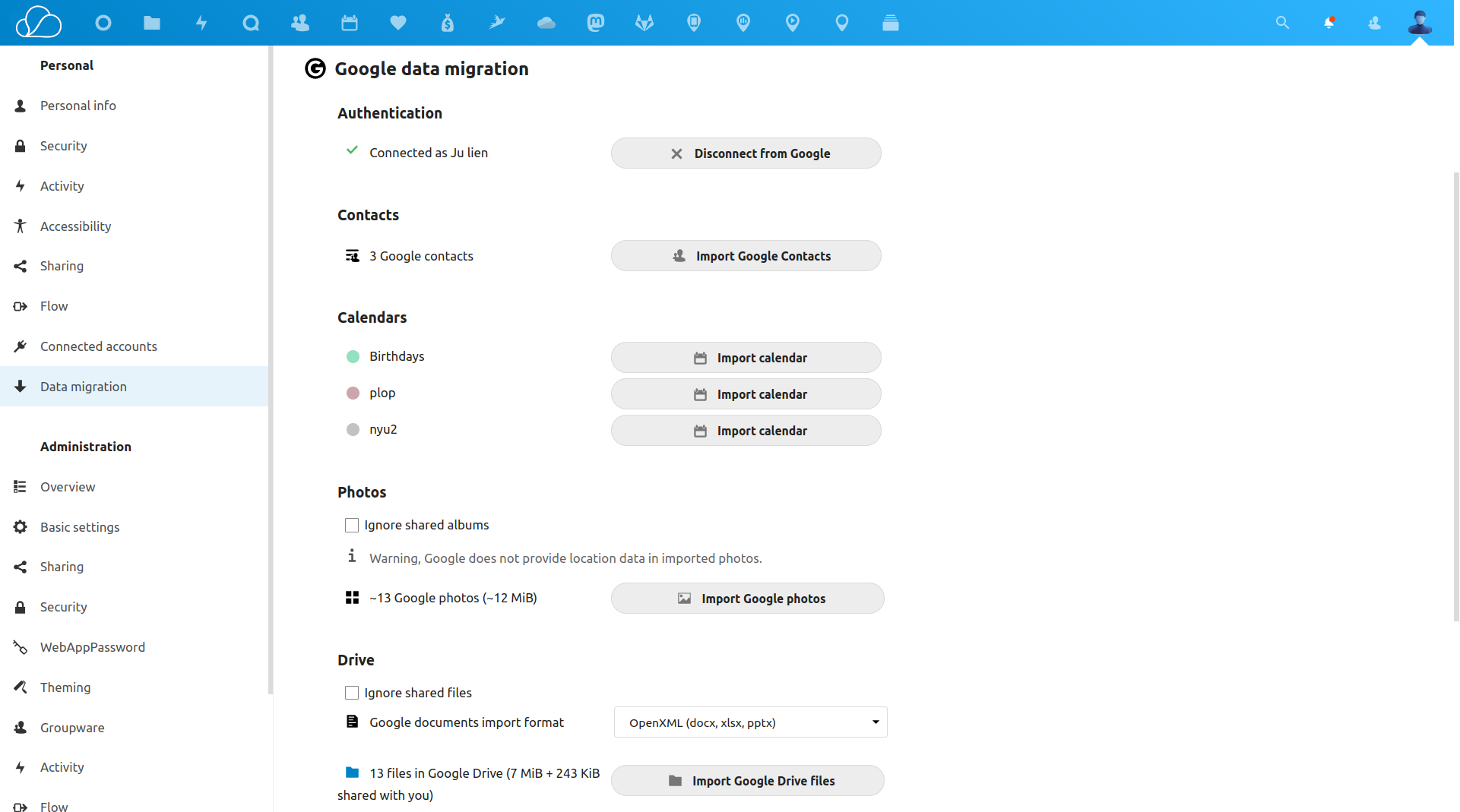
- Use your credentials to allow the app to migrate your data
- Once authenticated, the scripts will run in the background.
Have questions?
Still have questions? Talk to support.
All content copyright OneOffice / ZeGenie Inc. -- Unauthorized use is prohibited.